Life happens. Resume.
Pause for a while. Restart your computer. Pick up from validated progress when the server supports it.
A LITTLE LESS WAITING. A LOT MORE CONTROL.
A download manager that puts you in control. Pause, resume, schedule, and keep your files moving. Free, open source, and right at home on Windows.
LESS FRICTION. MORE FLOW.
Big files. Interrupted connections. A queue that keeps growing. Meet the small details that make a difference.
Pause for a while. Restart your computer. Pick up from validated progress when the server supports it.
Bounded parallel connections when supported. A safe fallback when they’re not. Built around what your server supports.
MULTIPLE CONNECTIONS. ONE COMPLETE FILE.
Save queue priorities, hold new work, and schedule local-time windows while ZipZap is running. Opt into the tray to keep downloads moving.
Send direct links from Chrome or Edge with an explicit “Download with ZipZap” action. See whether the app queued or rejected your request.
Feature diagrams use sample files and simulated progress. They are not screenshots or performance measurements.
Preview a batch of direct links, review filenames, and apply actions to selected downloads. Custom categories suggest a folder without moving existing files.
See why a download failed, retry after repair, or explicitly replace an expired link. Validated recovery protects saved bytes and existing files.
Choose dark, light, or system appearance. Save columns and sorting. Preview and export a support summary with counts and safe codes, without private links or paths.
Scheduling works while the app runs, including your chosen tray mode. It does not wake a sleeping computer or start the app for you.
A SHORTER PATH TO LOCAL.
Install the Windows beta. No signup, no subscription.
Paste an HTTP(S) file URL, or use the optional browser extension.
Manage the queue, pause when you need to, and keep files on your device.
The internet is a big place. Your files belong with you.
OPEN SOURCE. OPEN POSSIBILITIES.
No account wall. No subscription. Just a focused desktop app, with the source code out in the open. Use it, understand it, help make it better.
Explore on GitHubStart with the source.
git clone https://github.com/Lord-shaban/ZipZap.gitA FEW THINGS WORTH KNOWING.
An honest beta. A few clear answers.
Talk to us on GitHub ↗Yes. Free and open source under the MIT license. No account, subscription, or hosted service is required.
The published beta supports Windows 11 x64. macOS, Linux, and mobile versions are not available.
Direct HTTP and HTTPS file links. Video extraction, protected streams, torrents, and automatic browser interception are outside this published beta.
ZipZap saves recoverable progress and validates it before resuming. This depends on server support and the remote file remaining unchanged. Unsafe resume may require a fresh download.
The beta is unsigned. Windows may warn before installation. Compare the installer with the published SHA-256 checksum before deciding to install. Read the release notes ↗
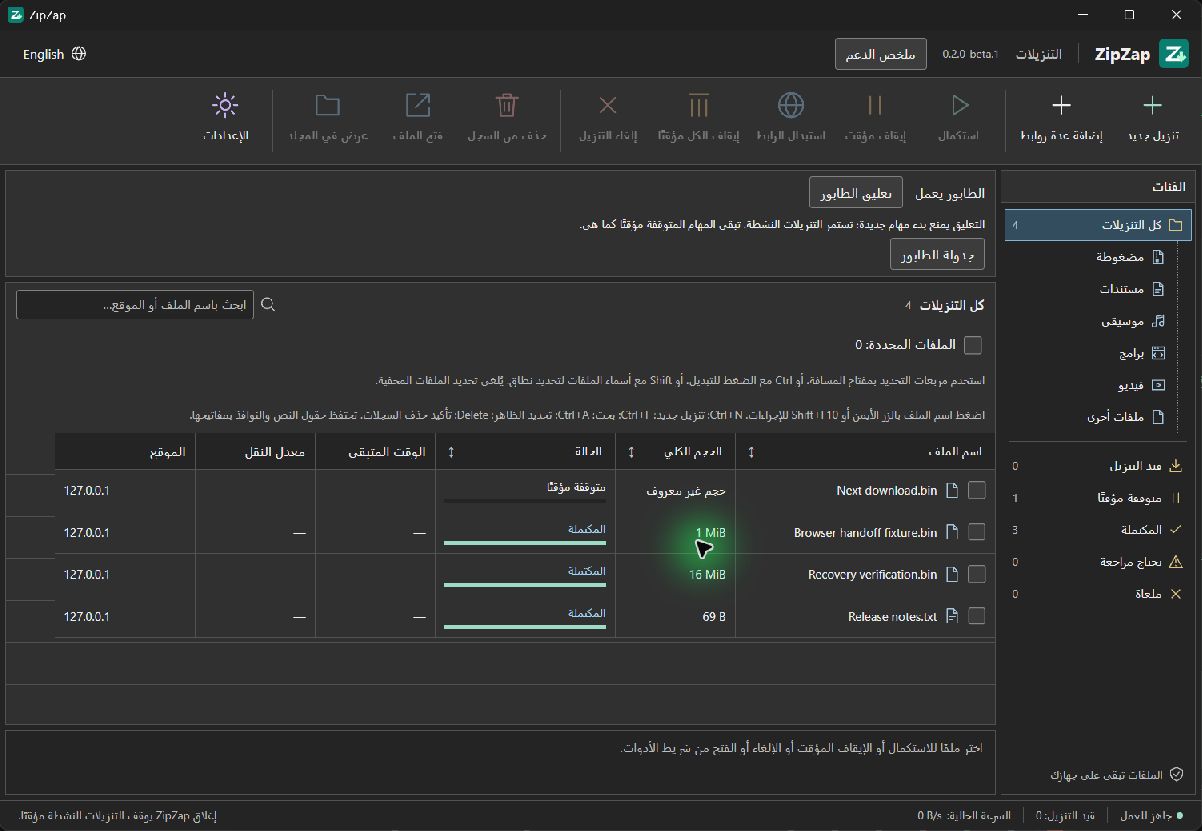
Yes. Both the desktop app and this website support English and Arabic, including right-to-left layouts.
MORE CONTROL. LESS COMPROMISE.
Your files are waiting. Make yourself at home.
Download for WindowsUnsigned beta. Verify the SHA-256 checksum before installing.